One window, start to finish
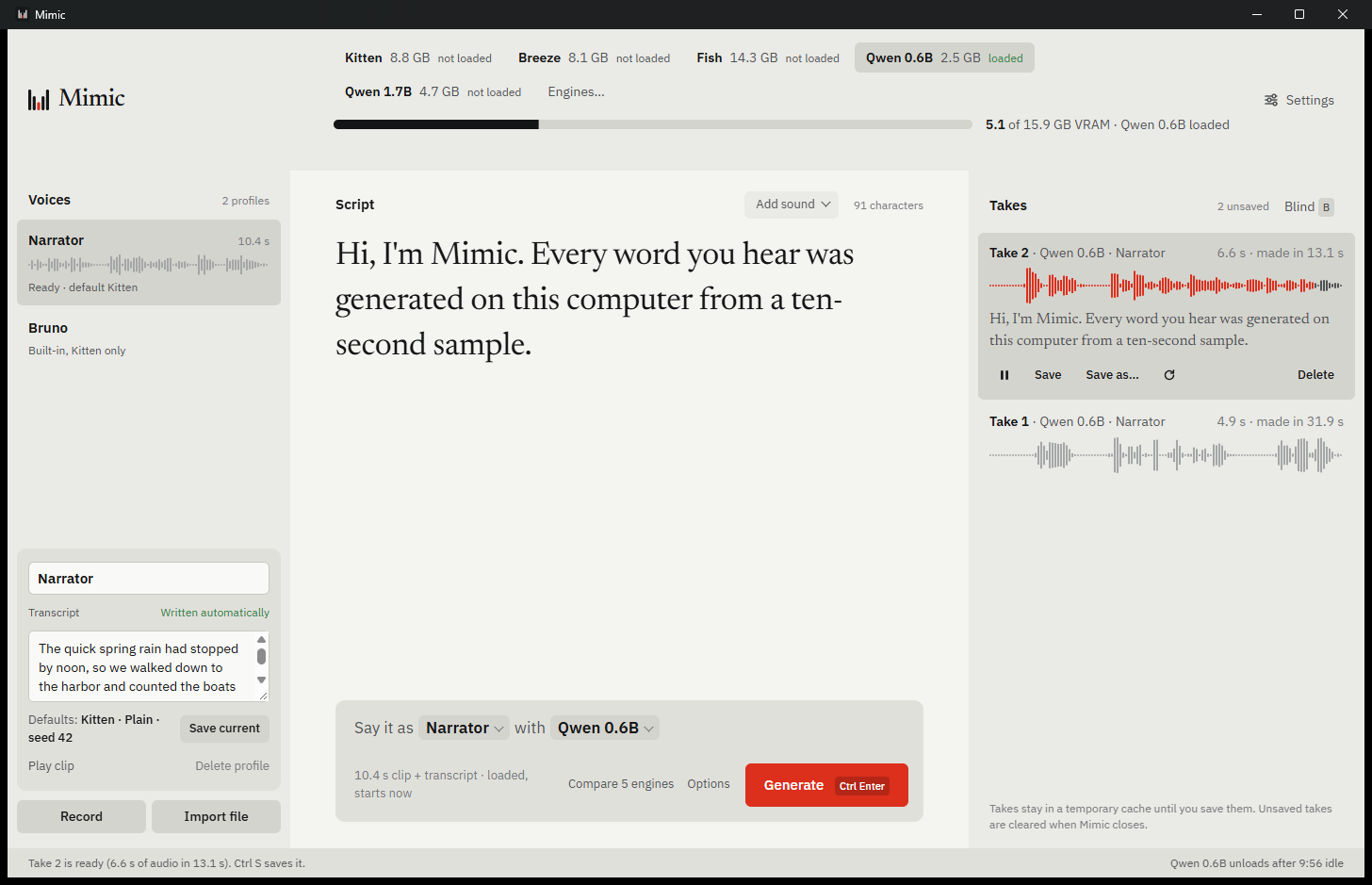
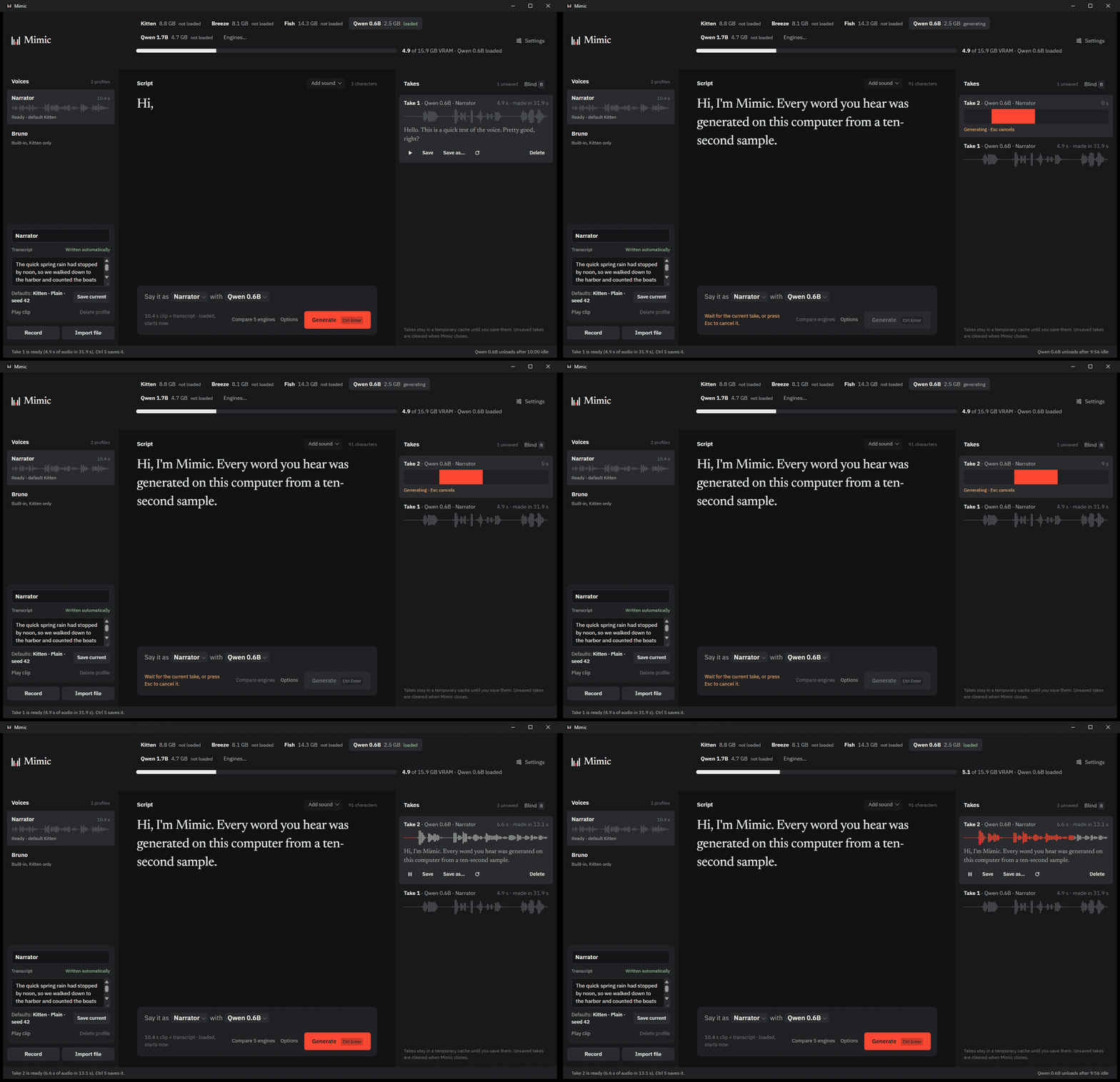
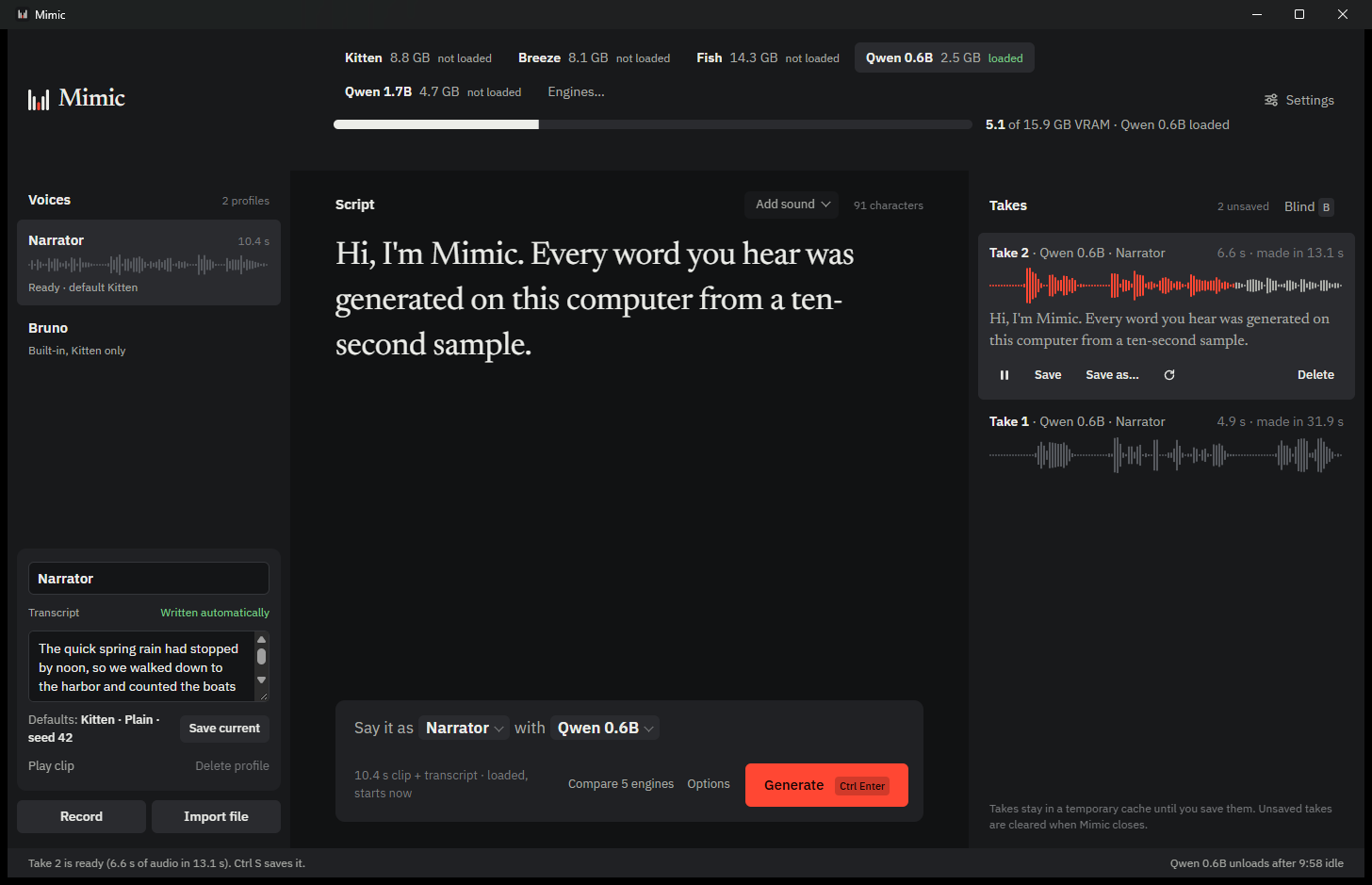
A real recording at real speed: Qwen3-TTS 0.6B cloning a demo voice on an RTX 5070 Ti. Voices on the left, your script in the middle, takes on the right.
Built for the second take
Cloning is quick. The work is in trying lines, engines and settings until a take sounds right, so that's what the window is made for.
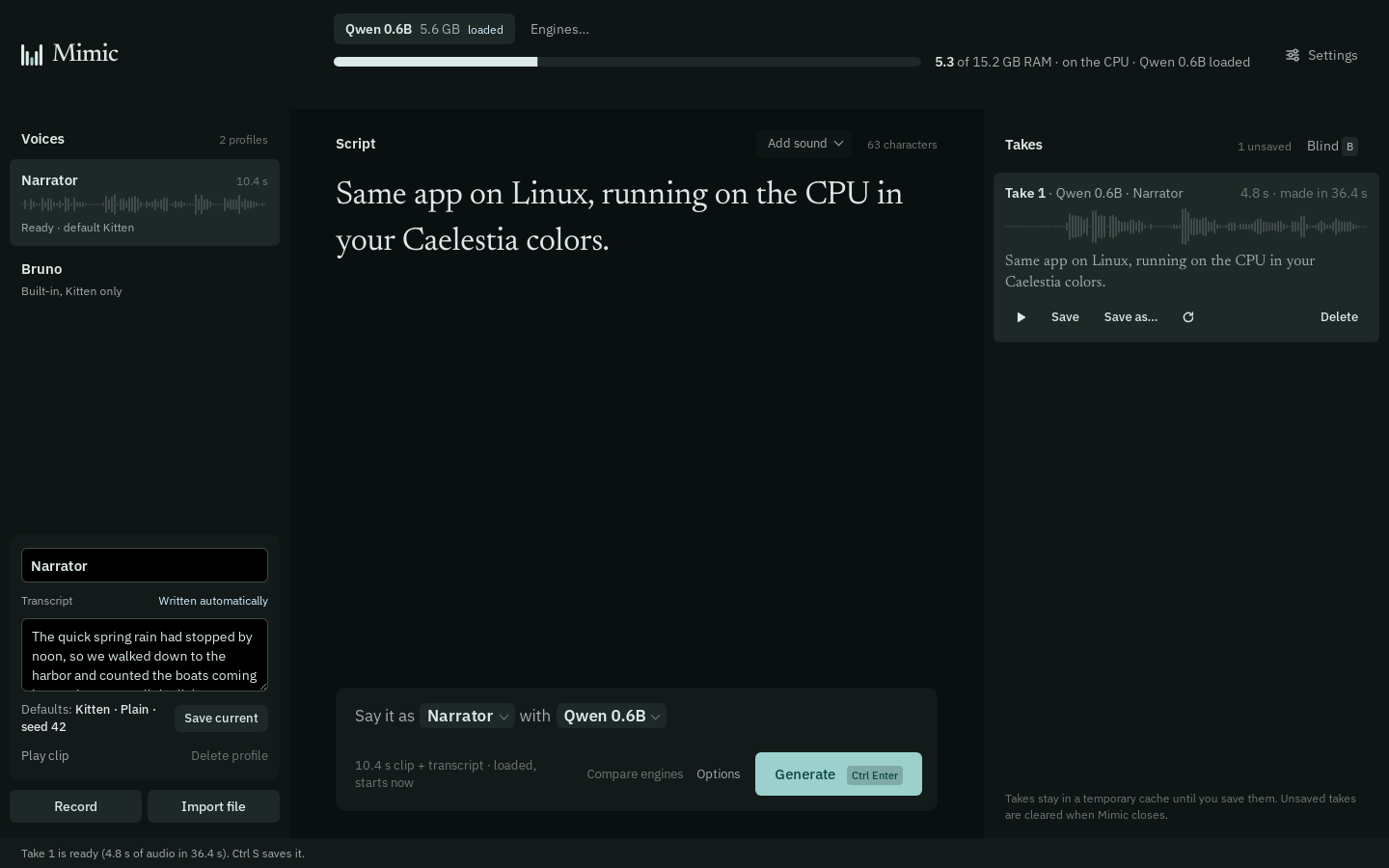
to make one second of speech with Qwen3-TTS 0.6B on an RTX 5070 Ti. On a 16-thread CPU, 4.7 s.
Measured on a real PC
of VRAM runs Qwen3-TTS 0.6B. No GPU? 5.6 GB of RAM.
accounts, trackers or uploads. Your voices stay on your disk.
What will your PC run?
Set your graphics card and its memory. Every figure here was measured with Mimic while cloning, unless it says otherwise.
Seven engines run on your GPU.
- GPU or CPU
Qwen3-TTS 0.6B
- GPU or CPU
Chatterbox Turbo
- GPU or CPU
Audio8 TTS Preview 0.6B
- GPU or CPU
Qwen3-TTS 1.7B
- NVIDIA GPU
VoxCPM2
- NVIDIA GPU
Breeze TTS 2
- GPU, CPU possible
KittenTTS 2
- NVIDIA GPU
Fish S2 Pro
- CPU, Linux
NeuTTS Air
Measured as peak memory while cloning, on an RTX 5070 Ti and a 16-thread CPU. AMD Radeon (ROCm, Linux) and Intel Arc support is experimental. Each engine keeps its own license, which applies to what you make with it.
First, read ten seconds aloud
Type your name and read the passage on screen. Mimic already knows the words, so every engine can use the clip straight away. Or drop in a 3 to 30 second clip of one speaker.
Fair questions
Is it really free?
Yes. Mimic is MIT-licensed and has no accounts, plans or limits. The engines it downloads keep their own licenses: most allow commercial use, but Breeze TTS 2 and Fish S2 Pro are non-commercial, and KittenTTS 2 has conditions for businesses.
What do I need to run it?
Windows 10 or 11, or Linux. An NVIDIA card with 3 GB of memory runs the smaller engines comfortably, and with no GPU Qwen3-TTS runs on the CPU in about 6 GB of RAM. You also need uv to download engines and ffmpeg for audio, both one command to install.
Does anything leave my computer?
Your recordings, voices and takes never do. Mimic goes online only to check GitHub for updates and to download the engines you choose. If you turn on sharing, your other devices connect over your home network or Tailscale.
Can I clone anyone's voice?
Only with their permission. Your own voice is fine; for anyone else, ask first. Using a cloned voice to impersonate, deceive or defraud someone is illegal in many places. Mimic asks you to confirm this before your first clone, and marks saved takes as AI-generated.
Is there a Mac version?
Not yet. Mimic runs on Windows and Linux. Its sibling app Latent, which does the same for images, already runs on Apple Silicon.
Which engine should I start with?
Qwen3-TTS 0.6B. It needs about 2.5 GB of VRAM, works on the CPU too, and is fast. Download speech-to-text from the same list so transcripts write themselves.
How do updates work?
Mimic checks GitHub when it starts and offers the new version. Arch users build from the PKGBUILD and update through makepkg.
Hear it in your own voice
Version 1.4.2. Install it, download Qwen3-TTS from Settings › Engines, and read the passage.